



App features
Unlock advanced translation capabilities with our app. Experience real-time speech translation, sync your headphones for seamless communication, access a wide range of languages, and manage translations easy. Everything you need for smooth, multilingual conversations in one app.


AI Translation
Smart AI adapts to context for accurate, natural speech.

Text translation
Type or paste text to translate instantly in over 100 languages.

Camera translation
Scan menus, signs, or documents to translate them instantly.
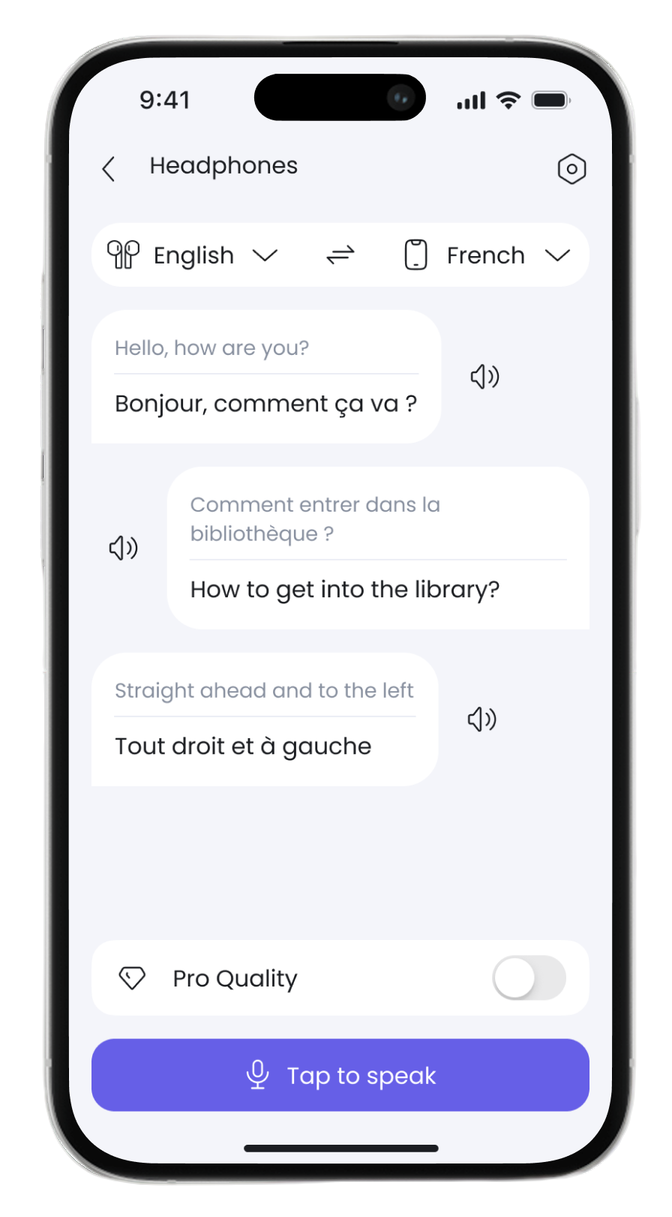

Simultaneous
Understand conversations in real time with instant voice sync.
Offline Translation
Translate anywhere without Wi-Fi using offline language packs.

Summarization
Turn long speeches into smart summaries.
How it works?

Download the app
Download from the App Store or Google Play
Pair your headphones
Pair your headphones with your smartphone via Bluetooth settings
Connect the app
Connect the app to your headphones in just one tap.
Start translating
Start translating and enjoy seamless communication
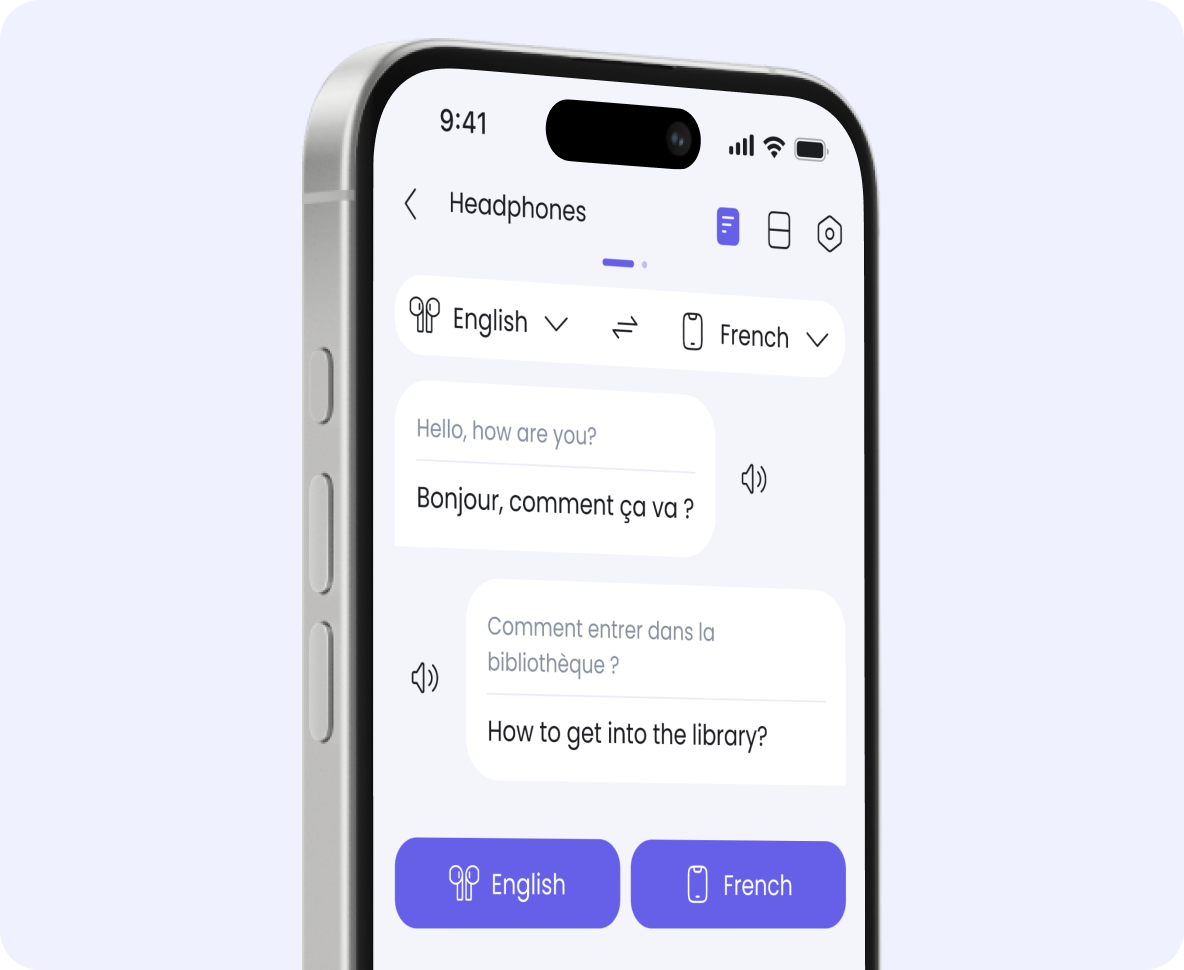
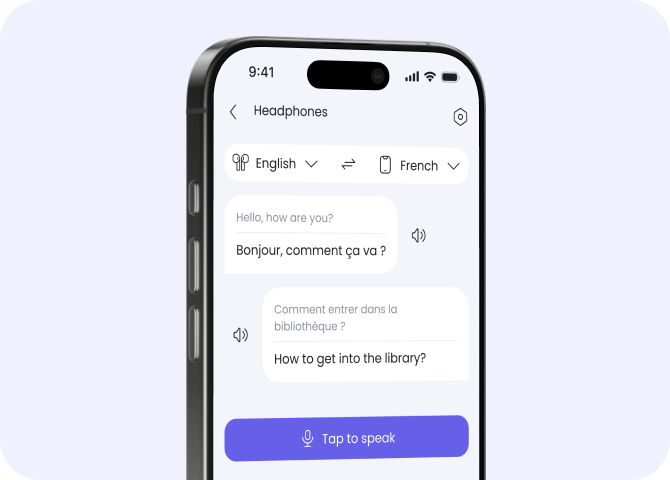
Touch mode
Perfect for quick phrases or travel situations. Just tap the button and hear the translation instantly in your headphones. Simple, convenient, and intuitive.
Realtalk mode
Turn on RealTalk mode for continuous, real-time translation. Speak freely – the app automatically translates directly into your headphones.
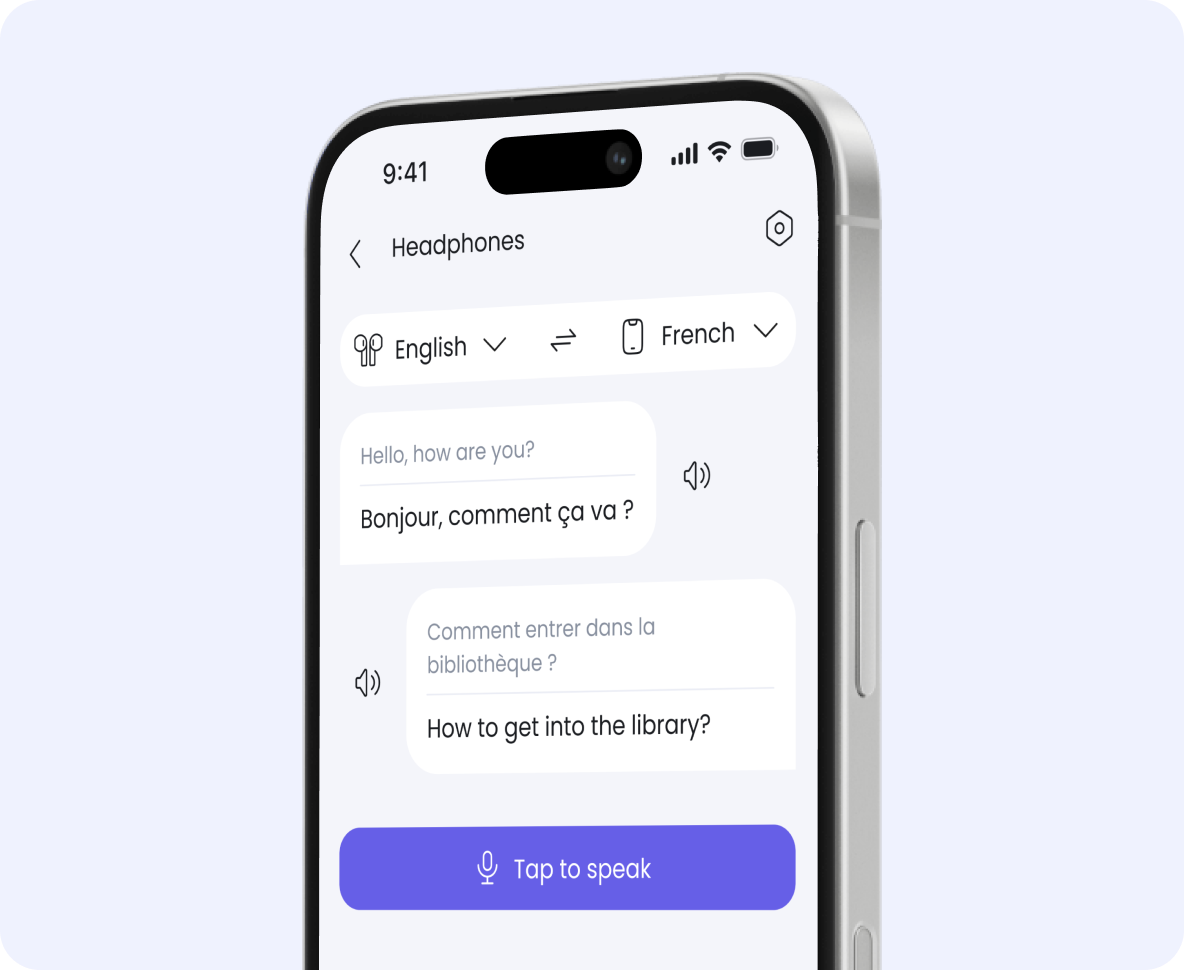
App features
Unlock advanced translation capabilities with our app. Experience real-time speech translation, sync your headphones for seamless communication, access a wide range of languages, and manage translations easy. Everything you need for smooth, multilingual conversations in one app.


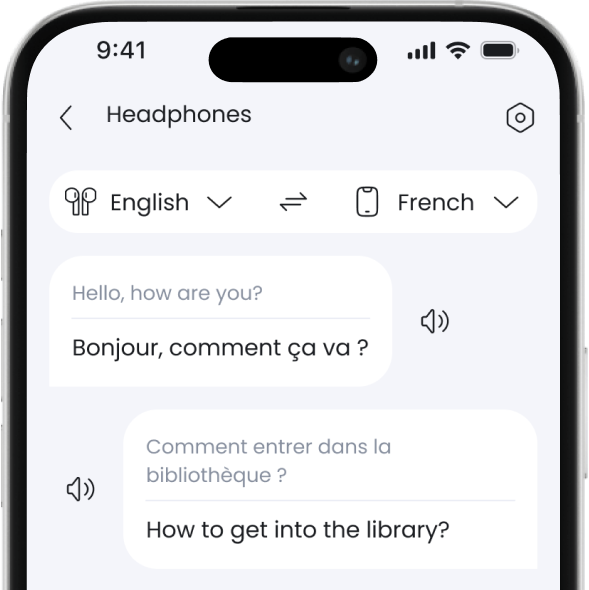

AI Translation
Smart AI adapts to context for accurate, natural speech.

Text translation
Type or paste text to translate instantly in over 100 languages

Simultaneous
Understand conversations in real time with instant voice sync.

Offline Translation
Translate anywhere without Wi-Fi using offline language packs.

Camera translation
Scan menus, signs, or documents to translate them instantly.
Summarization
Turn long speeches into smart summaries.
How It Works?

Download the app
Pair your headphones
Connect the app
Start translating
Touch mode
Perfect for quick phrases or travel situations. Just tap the button and hear the translation instantly in your headphones. Simple, convenient, and intuitive.
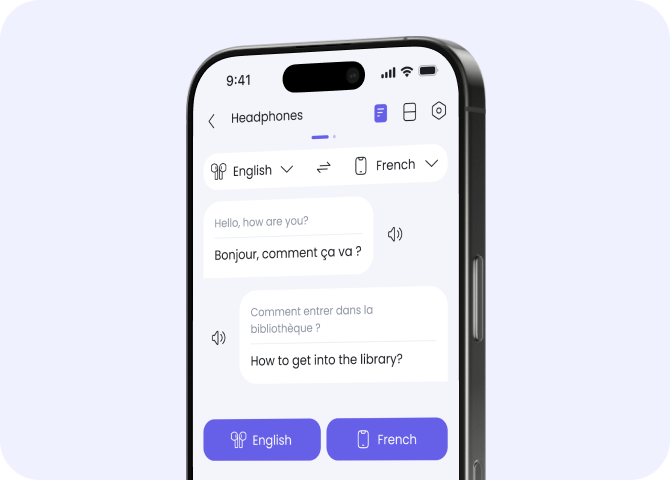
Realtalk mode
Turn on RealTalk mode for continuous, real-time translation. Speak freely – the app automatically translates directly into your headphones.
Questions & Answers
Yes, absolutely! The Toki Translator App is free for all our headphone users. While there are a few specialized premium features available, the core translation functionality and all future software updates—including improved accuracy and new language additions—are provided to headphone owners at no extra cost.
Yes, you can. While the app works best with an internet connection for maximum accuracy, we offer offline language packs that you can download in advance. This ensures you stay connected and understood even in remote areas, on flights, or in locations with poor cellular service.
Yes, our AI-powered app recognizes various regional accents to ensure high accuracy. This service is a free benefit for our headphone users. While there are a few premium features for power users, all dialect updates and core translation improvements are included at no extra cost.
We would love to hear from you! Our community's feedback is what drives our innovation. You can submit your suggestions directly through the 'Contact Us' section within the app. We regularly release updates based on user requests, ensuring your Toki experience keeps getting better over time.
Toki App: AI Translator App for Real-Time Headphone Translation
The Toki app is the software behind everything the Toki Pro-5 and Toki Air-3 earbuds do. It handles language selection, modes, and all the features that make real-time communication across languages actually work. Available on the App Store and Google Play, it's a straightforward earbud translator app that covers everything from live conversation to offline use – no extra tools needed.
App Features: What the Toki Translation App Does
The best translation app for headphones isn't just about converting words – it needs to handle different situations, work reliably, and stay out of the way. Here's what Toki covers:
- AI Translation – the AI translator app adapts to context for accurate, natural speech rather than word-for-word output
- Text translation – type or paste any text and get an instant result in over 100 languages
- Camera translation – point your phone at a menu, sign, or document and get an instant translation; a practical camera translator app for travel and everyday use
- Simultaneous translation – understand conversations in real time with instant voice sync through your headphones
- Offline translation – translate anywhere without Wi-Fi using downloaded language packs; a proper offline translation app for situations where data isn't available
- Summarization – turn long speeches or conversations into short, readable summaries
These features make Toki a multilingual communication app that works across different contexts, not just one-on-one conversation.
Translation Modes: Touch Mode and RealTalk
Touch Mode
Touch mode is the default for quick exchanges. Tap the button in the app, speak, and hear the result instantly in your headphones. It's straightforward and works well for short phrases, questions, or travel situations where you need a fast answer. This is how most people use the real time translator app for conversations day to day.
RealTalk Mode
RealTalk is designed for longer, more natural dialogue. Turn it on and the app runs continuously – you speak freely and the automatic voice translator delivers results directly to the headphones without you needing to tap anything. It functions like a real time voice translation app running in the background, keeping the conversation moving without interruption.
Both modes work with the Toki Pro-5 and Toki Air-3, and you can switch between them from the main screen depending on the situation.
How to Download and Set Up the Toki Translator App
Getting the app running takes a few minutes. Here's the process:
- Download the app – search "Toki" in the App Store or Google Play and install it. This is the only headphone translation software you need for both earbuds models
- Pair your headphones – connect Toki Pro-5 or Toki Air-3 via your phone's Bluetooth settings
- Connect in the app – open Toki and tap Connect device; if already paired, the app detects the earbuds automatically
- Start translating – select a mode, choose your language pair from 99+ options, and tap Start
For offline use, go to the language settings and download the packs you need before traveling. Once downloaded, those languages work without any internet connection – no roaming required.
Who the App Is For
The translation app for headphones is built around a few clear use cases:
- Business use – as an AI translation app for meetings, it handles real-time language translation via headphones during calls and in-person conversations with international partners
- Travel – translate speech to headphones in 99+ languages, offline if needed; useful anywhere from airports to local markets
- Learning – use it as a real time language translation via headphones tool to follow conversations in a language you're studying
- General communication – anyone dealing with language barriers regularly will find the real time translation app practical for daily use
The app supports both Touch mode for quick exchanges and RealTalk for continuous dialogue, making it a real time conversation translator that adapts to how you actually talk.
Toki App: Practical and Straightforward
The Toki app works as a translator app for Bluetooth headphones, a camera translator app, and an offline translation app – all in one place. It's not overcomplicated: download it, connect your earbuds, pick a mode, and start. The AI powered translation app handles the rest, with natural speech output across 99+ languages and up to 99% accuracy. For anyone who regularly needs to translate speech instantly with headphones, it's a straightforward tool that covers the main scenarios without requiring technical setup.
Our Products
Our Products


Email: info@tokitranslator.com
Address: Unit G15, Tin Hau Apple Solo, 14 King’s Road, Tin Hau, Hong Kong
- Choosing a selection results in a full page refresh.
- Opens in a new window.